The AI Tool Your Employees Are Using Without Telling You
Regular AI use at work jumped from 15% to 45% in a single year. That’s not a slow creep — that’s a workplace transforming under everyone’s nose. And according to Verizon’s 2026 Data Breach Investigations Report, two-thirds of that AI use is happening through personal accounts nobody at the company can see. That’s the shadow AI security risk in one sentence: a wide-open door nobody realized they’d left unlocked.
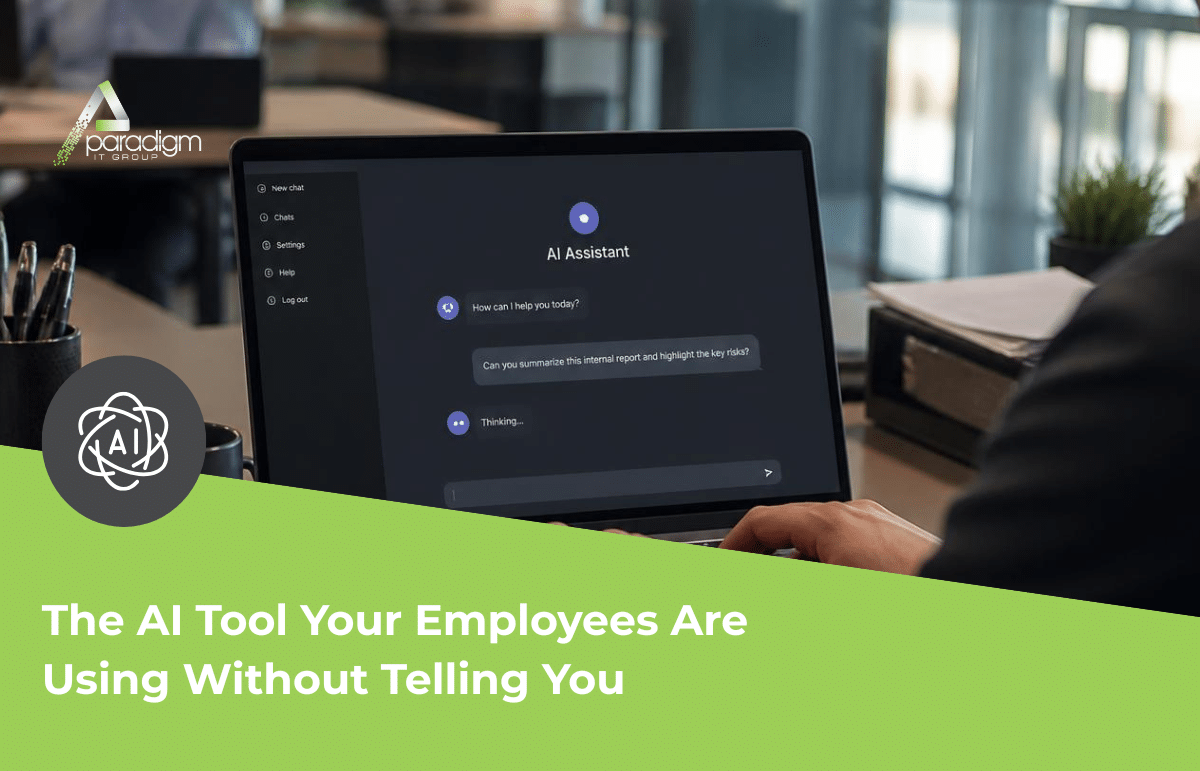
Here’s what it usually looks like in a real office, because it almost never looks like anything dramatic. A receptionist pastes a client email into a free AI tool to polish the tone before hitting send. Someone in HR runs termination language through it to make sure it reads professionally. A bookkeeper uploads a spreadsheet of vendor payments so the AI can summarize it before a meeting. Nobody in any of those moments is trying to do anything wrong. Every one of them is just trying to move faster and sound sharper. And every one of them just handed sensitive information to a system the business doesn’t control, doesn’t monitor, and in most cases doesn’t even know is being used.
That’s shadow AI — the direct descendant of the old shadow IT problem, where employees quietly started using unapproved apps and cloud storage because the approved tools felt slow or clunky. Shadow AI moves faster and hides better. Shadow IT usually required downloading something or signing up for a service IT might eventually notice. Shadow AI just needs a browser tab. There’s no install, no approval request, no line item on an invoice. It’s just there, being used, all day, by well-meaning people trying to get their work done.
The distinction that actually matters here is free versus business-tier. A free, personal AI account generally comes with no contractual privacy protection, and depending on the tool, whatever gets typed into it may be used to train the underlying model — meaning it doesn’t just leave the building, it potentially becomes part of something else entirely, permanently. A business-tier account with a proper data agreement is a different animal: the data stays put, it’s not used for training, and there’s an actual contract governing what happens to it. Most employees have no idea there’s a difference. They just know one tool is free and the other requires a login somebody in IT has to set up, so they reach for whatever’s already open in another tab.
A Real Example of the Shadow AI Security Risk
This isn’t a hypothetical risk. In 2023, engineers at Samsung’s semiconductor division pasted proprietary source code and confidential meeting notes into ChatGPT while trying to check for errors and generate quick summaries. It was widely reported at the time, and it’s become the textbook example of exactly this problem: skilled, well-intentioned people, under no malicious pressure at all, moving sensitive company information outside the company without realizing what they’d done until it was already done. Now picture the same scenario at a much smaller scale — not semiconductor code, but a client list, a set of financial figures, or a handful of contracts. The mechanism is identical. The stakes are just as real for a business with twenty employees as they are for a company with twenty thousand.
The numbers back up how much this is costing organizations that don’t get ahead of it. IBM’s 2025 Cost of a Data Breach Report found that breaches involving shadow AI cost an average of $670,000 more than standard breaches — and in 97% of those cases, the organization had no proper AI access controls in place when it happened. The World Economic Forum’s Global Cybersecurity Outlook 2026 found that 87% of cybersecurity leaders now name AI-related vulnerabilities as the fastest-growing risk they’re tracking. This isn’t a fringe concern anymore. It’s the thing security leaders are watching most closely, and it’s the thing most small businesses haven’t written a single policy about yet.
This isn’t really a technology problem, either, and it’s not about pointing fingers at whoever pasted what into which tool. Angie and Oscar have always run Paradigm on the idea that we’re in the technology space, but we serve people — and the people using these tools are almost always trying to do their jobs well, not cause a problem. Treating this like a discipline issue misses the point entirely. The gap isn’t a person who did something wrong. It’s a business that never told its team where the line was, because up until recently, nobody had reason to think there was one.
None of this means the answer is banning AI at the office. Employees are reaching for these tools because they genuinely help, and a flat ban usually just pushes the same behavior further out of sight instead of stopping it. The fix that actually works is closer to what businesses already do with company phones, expense reports, or client data generally: a simple, written policy on what can and can’t be pasted into which tools, paired with an honest conversation about which tools the team is actually using today, not which ones IT assumes they’re using.
What This Means for Your Business
A written AI use policy: It doesn’t need to be a legal document. It needs to say, in plain language, what kinds of information can go into an AI tool and what should never leave the building — client details, financial figures, contracts, and anything involving patient or health information if that applies to the business.
Know what your team is actually using: Most businesses have no idea which AI tools their employees have already been using for months. A short, honest conversation — not a crackdown — usually surfaces this fast, and it’s a lot easier to build a policy around real habits than guessed ones.
Business-tier accounts for anything client-facing: If the team needs AI to draft client communications or handle business data, it’s worth the setup time to get them a business-tier account with an actual data agreement, instead of leaving them to a free consumer tool by default.
Training over banning: A short conversation about what shadow AI actually means, and why pasting a client’s information into a free tool carries real risk, goes further than a memo nobody reads. Most people want to do the right thing once they understand what the wrong thing looks like, and a five-minute explanation usually accomplishes more than a policy document sitting in a shared drive nobody opens.
Questions to Ask Your IT Team This Week
Ask your IT provider: do we have any policy at all on what employees can paste into AI tools? If the answer is no, that’s the actual starting point, not a symptom of something already broken.
Ask: does anyone here know which AI tools our team is already using day to day?
Ask: if someone pasted a client’s information into a free AI tool tomorrow, would we even know?
Ask: are we using any business-tier AI accounts, or is everyone on personal, free versions by default?
AI isn’t the threat here. An open door nobody’s looked at is. A business doesn’t need to fear AI to get this right — it just needs a plain-language policy, an honest look at what the team’s already using, and the business-tier accounts to back it up where it matters. That’s not a technology project. It’s an afternoon conversation that closes a gap most businesses haven’t even noticed yet.
As always, remember that your Paradigm team is just a call, email, or text away for any questions or concerns that may arise.
If you’d like help putting a simple AI use policy in place, or just want to talk through which tools your team should be using, we’re here to help. No pressure, no sales pitch — just an honest conversation about where you stand.
— Angie and Oscar
P.S. If phishing and social engineering are on your radar too, our piece on Phishing Emails 2026 breaks down what’s changed and how to spot the newest tactics. [Blog 5 — Phishing Emails 2026: What’s Changed and How to Spot Them]