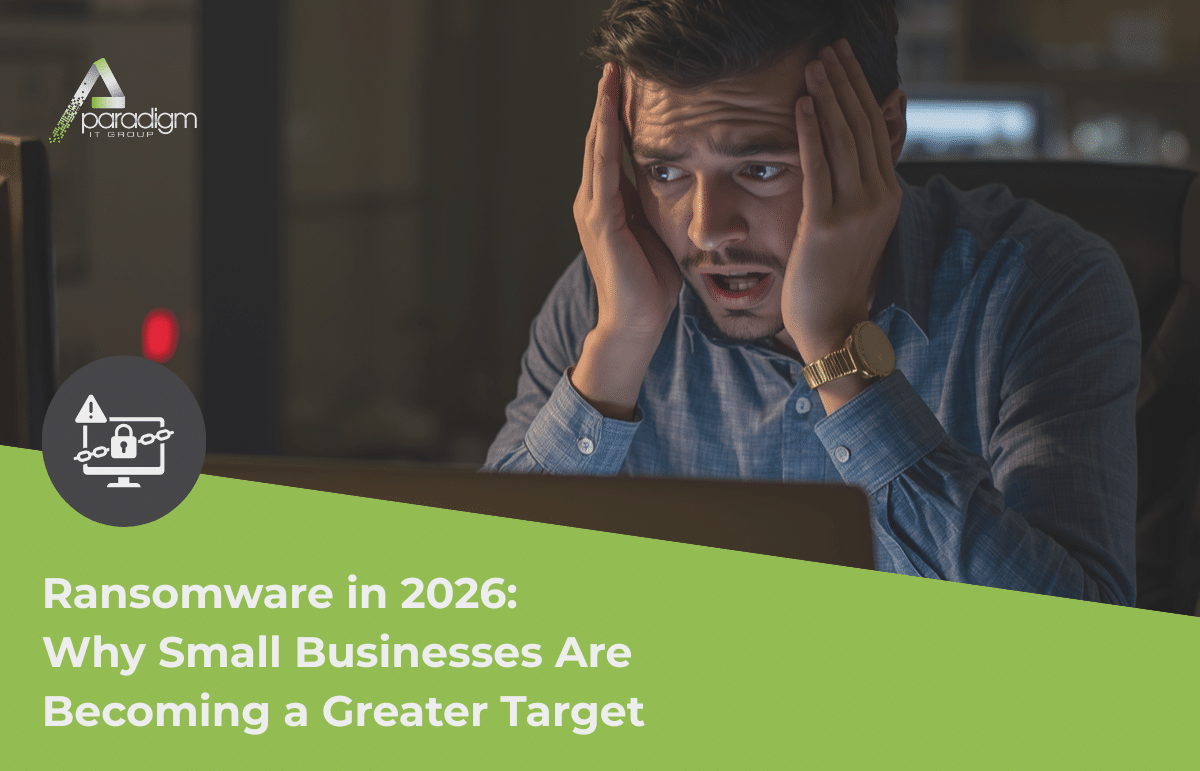
Ransomware in 2026: Why Small Businesses Are Becoming a Greater Target
Most small business owners we talk to carry the same assumption: ransomware happens to hospitals and major corporations, not to a 20-person manufacturing shop in Sanford or a medical practice in Winter Park. It’s a reasonable thing to think. The attacks that make the news tend to involve household names, government agencies, and healthcare systems — not the businesses most of us actually run. But in 2026, ransomware small business exposure has never been higher.
The data tells a very different story.
According to Check Point Research’s State of Ransomware Q1 2026 report, 2,122 organizations were publicly listed on ransomware data leak sites in just the first three months of this year alone. That’s not an annual figure. That’s one quarter — roughly 700 businesses named publicly every single month.
What Ransomware Actually Is — Plain and Simple
If you haven’t been personally affected by a ransomware attack, the word probably sounds more abstract than it is. Here’s what actually happens.
Ransomware is malicious software — malware — that gets onto your network and locks you out of your own files. Everything gets encrypted. Your documents, your client records, your accounting files, your project data — all of it becomes inaccessible until you receive a decryption key. Attackers then demand a ransom payment in exchange for that key.
What’s changed significantly in recent years is the tactic that comes before the lock. Most modern ransomware groups now steal your data first — copy it out quietly before triggering the encryption. That means even if you restore everything from backup and refuse to pay, attackers can still threaten to publish your client information, financial records, or sensitive business data publicly. It’s not just a recovery problem anymore. It’s a disclosure problem too.
Why Small Businesses Are Becoming a Greater Target Every Year
The assumption that attackers only go after big companies is understandable — it feels logical that criminals would chase the biggest targets. But ransomware has become industrialized. Criminal groups now operate much like franchises, with affiliates, toolkits, and shared infrastructure. Volume is the strategy. That means any business with accessible systems, valuable data, and limited security oversight is a candidate.
According to VikingCloud’s 2026 ransomware report, more than two-thirds of attacks between 2024 and 2025 targeted businesses with fewer than 500 employees. Attackers view smaller organizations as low-hanging fruit — weaker defenses, fewer IT resources, and less experience handling an incident. Check Point’s Manufacturing Threat Landscape 2026 report found that manufacturing attacks surged 56% last year, with manufacturing accounting for roughly half of all ransomware hits globally.
Professional services, healthcare, construction, and real estate all appear consistently in the top-ten most targeted industries. For Central Florida businesses — medical practices, contractors, title companies, distribution firms — that’s not a distant problem. It’s the operating environment you’re already in.
We saw this up close not long ago. A contact of ours reached out — not about his own business, but on behalf of a small manufacturing company in Longwood that had just been hit with ransomware. They had a developer consultant already involved, trying to help. But they were in over their heads.
Angie called the owner directly. Couldn’t reach him. Given how close their office was, she asked Anthony to drive over and simply ask in person if we could help. When Anthony arrived, no one was immediately available. He waited in the lobby. When the receptionist came out, he asked for the owner, explained why he was there, and asked one simple question: “Can we help you?”
The owner, Anthony told us later, looked overwhelmed — like he’d run out of options and wasn’t sure where to turn. Anthony got to work. He and one of our engineers spent the next twelve hours working alongside the developer, restoring their systems piece by piece. Once the immediate crisis was resolved, the next task was assessing the full scope of the damage and helping secure the operation so they would be prepared in the future.
They weren’t a client when Anthony walked through that door. That didn’t change whether we showed up.
How These Attacks Actually Happen
Ransomware doesn’t usually require sophisticated hacking. It doesn’t require a team of elite criminals exploiting some obscure vulnerability in your server. Most of the time, it requires one employee having a bad day and clicking the wrong thing.
The most common entry points are phishing emails — messages that look legitimate enough to trick someone into clicking a link or opening an attachment. From there, the malware finds its way onto the network. Weak or reused passwords are another major door. If someone uses the same password across their business email, their payroll platform, and a personal account that was part of a data breach five years ago, attackers already have what they need. Unpatched software — meaning programs that haven’t been updated with the latest security fixes — is a third.
None of these are exotic. They’re the ordinary stuff of running a small business — employees who are busy, systems that haven’t been updated in a while, passwords that haven’t been changed. The attackers know this. It’s exactly what they’re counting on.
What It Actually Looks Like When a Business Gets Hit
Not horror-movie dramatic — just quietly devastating.
Files stop opening. Error messages start appearing. Someone on the team notices they can’t access a shared folder. Then the phone starts ringing — IT, then the owner, then whoever manages the server. By the time the scope becomes clear, systems are down across the office. Staff can’t work. Client calls can’t be answered. If your business handles any kind of sensitive information — patient records, financial data, client contracts — there’s now a real question about what was taken before the lock went on.
Recovery isn’t fast even in the best scenarios. Restoring from backup, rebuilding systems, verifying that nothing else was compromised — it takes days, sometimes more. And that’s assuming you have current, tested backups to restore from. According to Halcyon’s Q4 2024 ransomware research, 84% of organizations that paid ransom still failed to fully recover all their data. Paying doesn’t guarantee the problem goes away.
For a small business, the financial and reputational toll can be genuinely hard to come back from. This isn’t meant to alarm — it’s meant to make the risk feel real, because it is.
What Actually Reduces the Risk
There’s no silver bullet — anyone who tells you otherwise is selling something. But there are a handful of concrete steps that make a meaningful difference, and most of them don’t require a dramatic IT overhaul.
Backups that actually live somewhere separate from your main network are the first place to start. Ransomware looks for everything it can reach and encrypts it — so if your backup is sitting on the same network as your files, it’s just as vulnerable. Backups need to be stored off-site or in the cloud with limited access, and they need to be tested regularly. Running the backup isn’t the same as being able to restore from it. There’s a meaningful difference between the two, and it’s the kind of thing that only becomes obvious when you need it most.
Employee awareness is arguably just as important. Most attacks don’t start with a sophisticated exploit — they start with someone on your team clicking a link or opening an attachment they shouldn’t have. Helping your staff recognize a suspicious email — the mismatched sender address, the manufactured urgency, the unexpected file — is one of the most cost-effective investments a small business can make. You don’t need your team to become IT professionals. You just need them to pause before they click.
Keeping software updated matters more than most business owners realize. Outdated software — programs that haven’t been patched with the latest security fixes — is one of the most commonly exploited entry points in ransomware attacks. This applies to your computers, your servers, and any application your team uses day to day. It’s not glamorous work, but it closes off doors that attackers actively look for.
Multi-factor authentication, or MFA, adds a second step to the login process — typically a code sent to your phone — so that a stolen password alone isn’t enough for an attacker to get in. It’s one of the single most effective barriers available for the cost and effort involved. We’re going deeper on MFA in our next post, including how to get it set up without disrupting your team’s workflow. But if you’re not using it on your business accounts yet, that’s the next conversation worth having.
And active monitoring — having someone watching your systems for unusual activity, unauthorized access attempts, or unexpected file changes — can be the difference between catching something early and dealing with a full-scale incident. The earlier an intrusion is identified, the less damage it can do. It’s not the most visible part of good IT support, but it might be the most important one.
Questions Worth Asking Your IT Team Today
If you’re not sure where your business stands on any of this, a few direct questions to your IT team can tell you a lot. Ask when your backup was last actually restored from — not just run, but restored. There’s a real difference, and if the answer isn’t immediate and confident, that’s worth a follow-up conversation. Ask where the backup lives and whether it’s on the same network as everything else. If it is, that’s a problem worth solving now.
Ask whether MFA is turned on for your business email and any platform that holds client or financial data. Ask how software updates are handled — whether there’s a schedule or a process, or whether updates happen whenever someone gets around to them. And ask what the plan is if something happens on a Friday afternoon. Who do you call? What’s the first step? Knowing the answer before an incident is a very different experience than figuring it out in the middle of one.
The Bottom Line
Ransomware isn’t inevitable. But it’s not theoretical anymore, either — not with thousands of businesses affected every quarter, not with the industries that make up Central Florida’s business community sitting squarely in the crosshairs. The businesses that come through these situations are the ones that had thought about it beforehand. They had backups that worked. They had a team to call. They had at least some of the basics in place.
You don’t have to be a cybersecurity expert to protect your business. You just have to have the right people in your corner before something happens — not after.
— — —
As always, remember that your Paradigm team is just a call, email, or text away for any questions or concerns that may arise.
If you’d like us to take a look at your current backup setup or walk you through where your biggest gaps might be, we’re here for that conversation. No pressure, no sales pitch — just an honest conversation about where you stand.
— Your Paradigm Team
P.S. Our next post goes deeper on MFA — what it is, why the extra step is actually a feature, and how to get it set up without disrupting your team. Keep an eye out for it on July 21.