Tech support scams cost Americans more than $2.1 billion in 2025, according to the FBI’s 2025 Internet Crime Report. That makes the tech support scam the third most expensive type of online fraud the FBI tracks, behind only investment fraud and business email compromise. And most of them start the same way: with a scary pop-up on an ordinary workday.
How a Tech Support Scam Starts
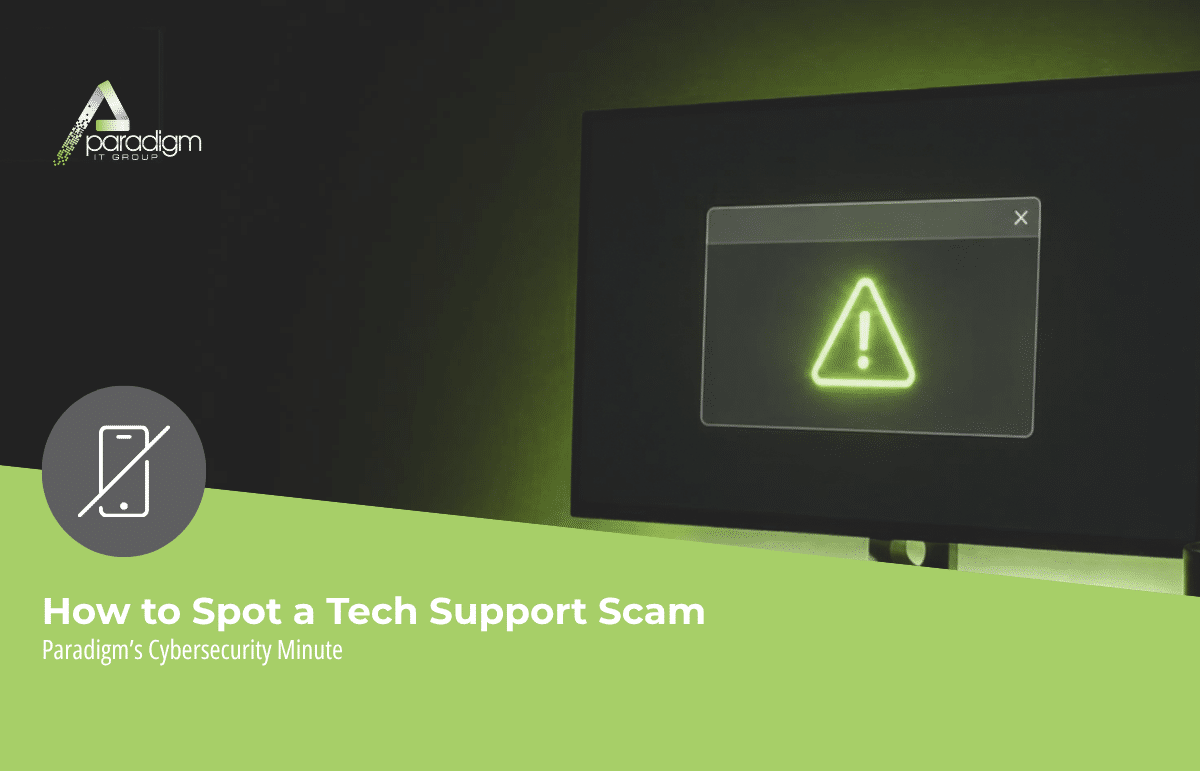
It usually starts innocently. Someone at your front desk is looking up a vendor’s phone number, clicks a promising search result, and suddenly a warning fills the screen. It says the computer is infected. It might carry a Microsoft or Apple logo, or look like it came from a well-known antivirus company. Sometimes there’s a countdown timer or a blaring alarm. There’s always a phone number, and a message urging you to call “tech support” immediately.
Some versions skip the virus entirely and go straight for your wallet. Your antivirus or Microsoft subscription has “expired,” and you need to renew right now to stay protected. Either way, the goal is the same: panic you into picking up the phone.
Pop-ups aren’t the only way in, either. The Federal Trade Commission warns that scammers also call or text pretending to be technicians from well-known companies, and they work hard to get fake support websites and ads to show up in search results. That means the person on your team who searched for a support number may land on a scammer’s page without ever doing anything wrong.
We want to say this clearly: falling for one of these is not a sign that someone on your team is careless. These scams are built by professionals to catch busy people in the middle of a busy day. That’s exactly why a few simple rules matter so much.
What Happens When Your Team Calls the Number
Once a scammer has someone on the phone, the playbook is predictable. They ask for remote access to the computer, which means they can see and control the screen from wherever they are. They pretend to run a scan, conveniently find a serious problem, and offer to fix it for a fee. While they’re connected, they may also install malware or quietly copy information off the machine.
For a business, that last part is what concerns us most. One computer at the front desk is rarely just one computer. It’s often connected to your email, your shared files, and sometimes your accounting system. A few minutes of remote access can open doors well beyond that one desk.
And the stakes keep climbing. According to the FBI’s report, reported losses to tech support scams jumped about 46% from 2024 to 2025, and complaints grew by roughly a third. Some scammers now claim your bank account has been compromised, then hand you off to a fake “bank fraud department” that pressures you to move money to “protect” it. The FBI even flagged schemes where couriers show up in person to collect cash and precious metals from tech support and government impersonation victims, a twist tied to more than $311 million in reported losses in 2025.
Closer to home, Florida ranked third in the nation for total reported cybercrime losses in 2025, at nearly $1.6 billion. Central Florida businesses are not flying under the radar.
Two Rules That Spot a Fake Virus Warning Every Time
Here’s the good news. The FTC boils this whole scam down to two facts, and if everyone in your office remembers only these, you’re in great shape:
- Legitimate tech companies won’t contact you by phone, email, or text to tell you there’s a problem with your computer.
- Real security pop-ups will never ask you to call a phone number.
If a warning breaks either rule, it’s a scam. Trust your gut. If something feels off, it probably is.
What This Means for Your Team
- Never call a number from a pop-up. Not even to “just check.” The number is the trap. If you want to verify something, use a contact you already know is real, like your IT team.
- Don’t click inside the warning. Even the “close” or “cancel” buttons can be fake. Close the browser instead. If the screen won’t let you, restart the computer or give us a call and we’ll walk you through it.
- No remote access for strangers, ever. If someone you don’t know asks to connect to your computer, the answer is no. A real support team will never pressure you into it on a cold call.
- Treat unusual payment requests as a red flag. Legitimate companies don’t ask for tech support payments in gift cards, wire transfers, or cryptocurrency. If that’s the request, you have your answer.
- If someone already called or paid, move fast. Contact your IT team right away so we can check the computer, then call your bank to flag the charge. The FBI stresses that when money has moved, time is of the essence, and quick action gives your bank the best chance of recalling the funds.
Questions to Ask Your IT Provider About Tech Support Scams
A tech support scam is aimed at one employee, but the business pays the price. These questions help you close the gaps before anyone clicks:
- Who manages our software licenses and renewals? When your team knows exactly who handles subscriptions, a surprise “your subscription expired” message loses its power. For most of our clients, that’s Paradigm, so the answer to any renewal or payment request is simple: check with us first.
- Who should my team call when something looks weird, and how fast will they hear back? Your employees should be able to answer that without thinking. At Paradigm, a callback or status update within 20 minutes is our standard, and it’s written into our contracts.
- Does my team have to open a ticket before they get help? We use tickets too. We just don’t make you create one before we’ll help. Call, text, or email, and we handle the ticket on our end. When someone is staring at a flashing warning, that’s one less thing standing between them and a quick answer.
- Has our front desk seen what these pop-ups look like? The people who spend the most time online for your business are often the ones most likely to see them. A five-minute walkthrough goes a long way.
- Would we know if someone gave a stranger remote access? If the answer is “probably not,” that’s worth a conversation.
The Bottom Line on Tech Support Scams
You can’t stop scammers from building convincing pop-ups. But you can make sure everyone on your team knows the two rules, knows who handles your renewals, and feels completely comfortable saying, “This looks weird, can you take a look?” That last one is the most powerful defense you have. The employees who ask first are the ones who never end up on the phone with a scammer.
If you or someone on your team runs into a tech support scam, report it to the FTC at ReportFraud.ftc.gov and to the FBI at ic3.gov. Every report helps law enforcement track these schemes and warn others.
As always, your Paradigm team is just a call, email, or text away for any questions or concerns that may arise. When in doubt, just ask us. We’d much rather take a quick call about a false alarm than help you recover from a real one.
If you’d like us to walk your front desk team through what these fake warnings look like and exactly what to do when one pops up, we’re here to help. No pressure, no sales pitch, just an honest conversation about where you stand.
Your Paradigm Team
P.S. If phishing is on your radar too, our blog on how phishing emails have changed in 2026 breaks down exactly what to watch for. Worth a read. [Link]