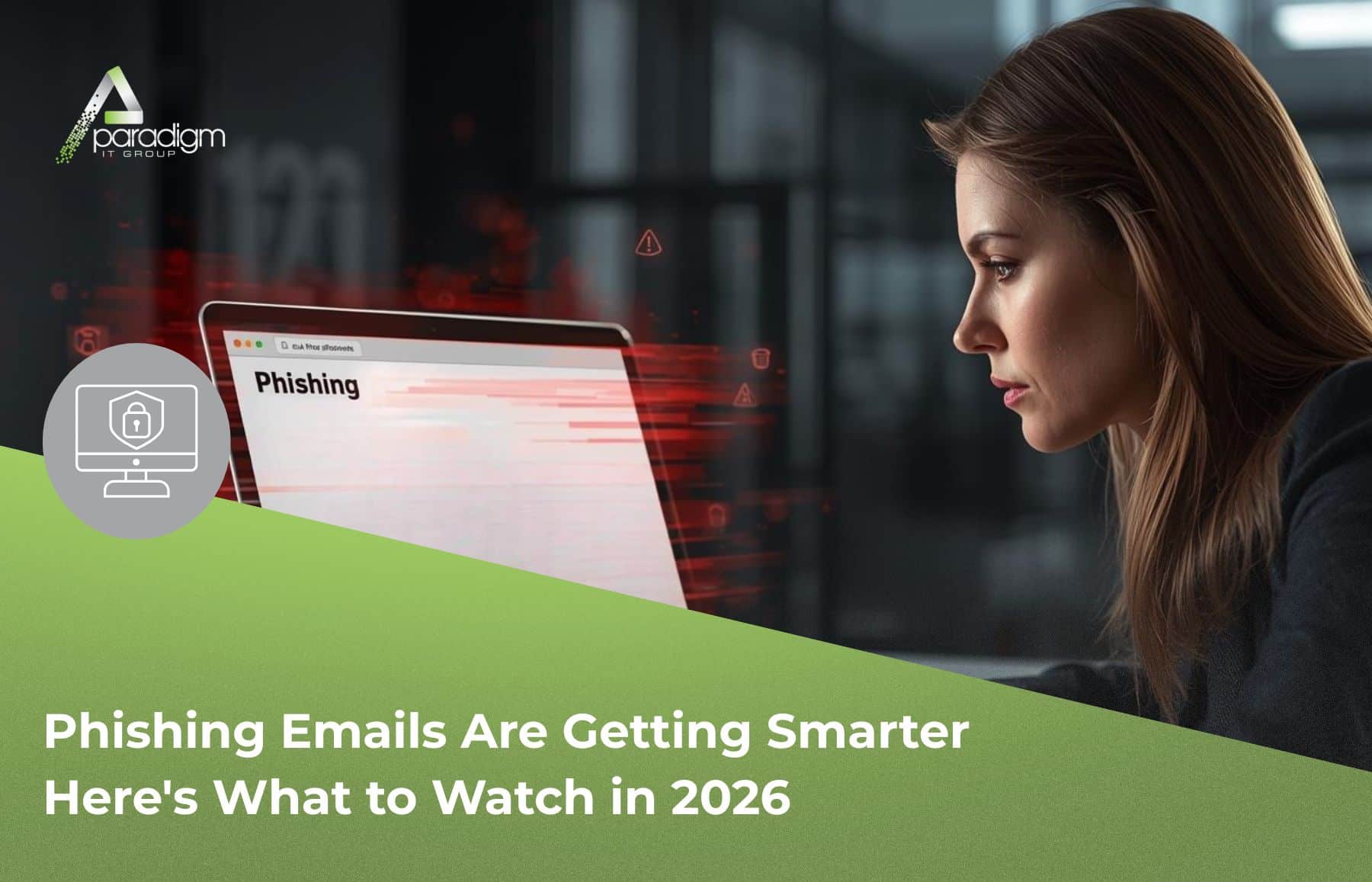
Phishing emails 2026: they don’t look like they used to — and that’s exactly what makes them dangerous.
Picture this: you open your inbox one morning and see an email from yourself.
Same name. Your exact email address. A perfectly ordinary-sounding message asking you to click a link or review an urgent account notice. No misspellings. No sketchy foreign domain. Just… you.
That’s not a hypothetical. It’s a real attack technique our lead engineer, Anthony, flagged for us — and it’s caught real people off guard because it looks so completely normal.
Phishing has always been the cybercriminal’s weapon of choice. But what we’re seeing in 2026 is a different animal. The old tells — bad grammar, weird sender addresses, obvious fake domains — are disappearing. Understanding why matters for every business owner and everyone on their team.
Why Phishing Emails in 2026 Are Harder to Spot
For years, spotting a phishing email was almost an exercise in pattern recognition. Strange formatting, broken English, a sender address that had nothing to do with the company it claimed to represent — these were the tells. They still show up sometimes. But attackers have been learning.
According to KnowBe4’s 2025 Phishing Threat Trends Report, 82.6% of phishing emails now contain AI-generated content. That means the clunky, misspelled scam emails of ten years ago are giving way to messages that are grammatically flawless, professionally worded, and, in many cases, personalized — referencing real details scraped from your website, your LinkedIn profile, or your industry.
The FBI’s 2024 Internet Crime Report flagged this, too. Phishing was the most reported cybercrime in the country, with over 193,000 incidents filed with the Internet Crime Complaint Center. Business Email Compromise — where attackers impersonate a known contact to push through a wire transfer or redirect a payment — accounted for $2.77 billion in reported losses for the year alone.
We’re sharing this not to alarm you, but because knowing what changed is exactly what helps you not get caught.
The “You Emailed Yourself” Attack (And Other Tricks Worth Knowing)
Anthony brought something to our attention: a Microsoft 365 vulnerability called “Direct Send.” It’s a legacy feature — built into the platform over 20 years ago for automated internal notifications — that attackers have figured out how to exploit to make emails appear to come from someone inside your organization. Including you.
His exact words: “It looks like such an obvious phishing email, but we’ve had some people fall for it.”
That’s the point. When an email appears to come from your own address, or your CEO, or the vendor you’ve worked with for years, your trained instincts can go quiet. The urgency kicks in, and you react before you think.
Direct Send is just one example. Here are the modern phishing tactics our team is watching most closely:
Spoofing trusted platforms. Cybercriminals increased their abuse of legitimate platforms — QuickBooks, Zoom, SharePoint, PayPal — by 67% in 2025, according to KnowBe4. These attacks pass standard email authentication 100% of the time because they’re technically sent from real platforms. Your spam filter never sees them coming.
Domain spoofing. According to KnowBe4’s Q4 2025 Phishing Simulation Roundup, 90% of the most-clicked phishing attempts involved domain spoofing — emails that closely imitate a real company’s domain name. Often it’s a single added letter or character you’d never catch in a busy inbox. “paradigmitgroup.net” becomes “paradigmltgroup.net.” Blink, and you miss it.
AI-personalized spear phishing. Instead of blasting generic messages to thousands of people, attackers now craft emails that reference real details: your company name, your role, a recent project, or news about your business. AI makes this personalization cheap and scalable in a way it simply wasn’t before.
Fake login pages. You click a link that drops you onto what looks exactly like your Microsoft 365 or Google sign-in screen — same logo, same colors, same layout. You type in your credentials. They go straight to an attacker. Your email account is now theirs.
Urgency combined with authority. “Your account will be suspended in 24 hours.” “The CEO needs you to process this wire before the close of business.” The goal is always the same: get you to react before you stop to think. Pressure, combined with a trusted name, is a powerful combination.
Red Flags That Still Matter
Even with AI in the mix, attackers still rely on the same core psychological levers. Your best protection is still the habit of pausing before you act. Here’s what to check:
The sender domain doesn’t match. The display name might say “Microsoft Support” or “Your IT Team,” but hover over or tap the actual email address. If it doesn’t end in the real company’s domain, or if it’s a string of random characters, that’s a red flag. Legitimate companies don’t send from unrelated domains.
Something feels slightly off about the tone. Even AI-generated emails can carry a faint strangeness — an unusual request, a slightly different writing style, a subject line that doesn’t quite match the body. Trust that instinct.
Urgency or threats. Any email pushing you to act immediately — especially one that says something bad will happen if you don’t — is designed to bypass your judgment. Real vendors, banks, and colleagues rarely operate this way.
An unexpected attachment. An invoice you didn’t request, a shared document from someone you don’t recognize, a “scanned document” from an unknown source. Malicious files are still one of the most common delivery methods.
A login prompt you weren’t expecting. If clicking a link drops you on a login page, don’t type anything. Navigate directly to that site yourself — through your browser bookmarks or a Google search — and see if there’s actually an issue with your account.
Requests for gift cards or wire transfers. This one sounds obvious. But Business Email Compromise attacks involving fake executive requests cost U.S. businesses $2.77 billion in 2024. It works because it’s usually framed as urgent, confidential, and from someone with authority.
The Simplest Action Step: When in Doubt, Get a Second Set of Eyes
When something feels off about an email, you don’t have to figure it out alone. Here’s how we can help — wherever you are in your relationship with us.
Already a Paradigm client?
Forward the suspicious email to us, and we’ll verify it for you. That’s exactly the kind of thing we’re here for. You won’t get in trouble for flagging something that turns out to be clean — and Angie, Oscar, and our whole team would far rather review a false alarm than see you click something that compromises your network. Our standing guidance: if you don’t feel right about it, always forward the message to us.
Phone: 321-248-3954 (press 1 for support) Email: support@paradigmitgroup.net
Not working with us yet?
You’re still welcome to reach out. We’re happy to take a look at a suspicious email, answer a quick question, or have a no-pressure conversation about your current email security setup. We work with businesses throughout Central Florida, and helping people make sense of what they’re seeing is just part of who we are. No contract required to get a straight answer.
Phone: 321-248-3954 Website: paradigmitgroup.net
Trust your gut either way. If the tone is a little off, the request is unusual, the timing is strange, or it just feels like something isn’t right — that instinct is worth listening to. Attackers spend a lot of energy trying to override that hesitation. Don’t let them.
Questions Worth Asking About Your Email Setup
Whether you work with another IT provider, these are worth a conversation:
Do we have email filtering in place that scans for spoofing, impersonation, and lookalike domains?
Is multi-factor authentication (MFA) enabled on all email accounts? If an attacker gets a password through a fake login page, MFA is often the last line of defense.
Do we have any legacy Microsoft 365 settings — like Direct Send — that could be exploited in our environment?
Has our team had any recent training on what phishing looks like right now? Not two years ago — right now.
Is there a clear, judgment-free process for employees to report a suspicious email before they click anything?
The Takeaway
Phishing isn’t going away — and what it looks like in 2026 is meaningfully different from even two years ago. The emails are cleaner, the impersonation is more convincing, and the tactics are specifically designed to get around the things you’ve been trained to look for.
But this isn’t a reason to panic. It’s a reason to stay curious, stay just a little bit skeptical, and build a habit of pausing before you click.
The businesses that get caught are usually the ones that assumed their team would just “know.” The businesses that stay protected are those where asking questions before acting is normal — and where no one feels embarrassed for flagging something that turns out to be nothing.
At the end of the day, this is your business and your call to make. Our role is to give you the information you need to protect it, and to be in your corner when something doesn’t look right.
If you’d like us to review your current email security setup, check your Microsoft 365 configuration for vulnerabilities like Direct Send, or just walk through what your team should be watching for right now — we’re here to help. No pressure, no pitch. Just an honest conversation about where you stand.
We’ll be here when you’re ready.
P.S. If you missed it, check out our last post: The Real Cost of Skipping Two-Factor Authentication — why 30 seconds at login can save your business.
— Your Paradigm IT Team