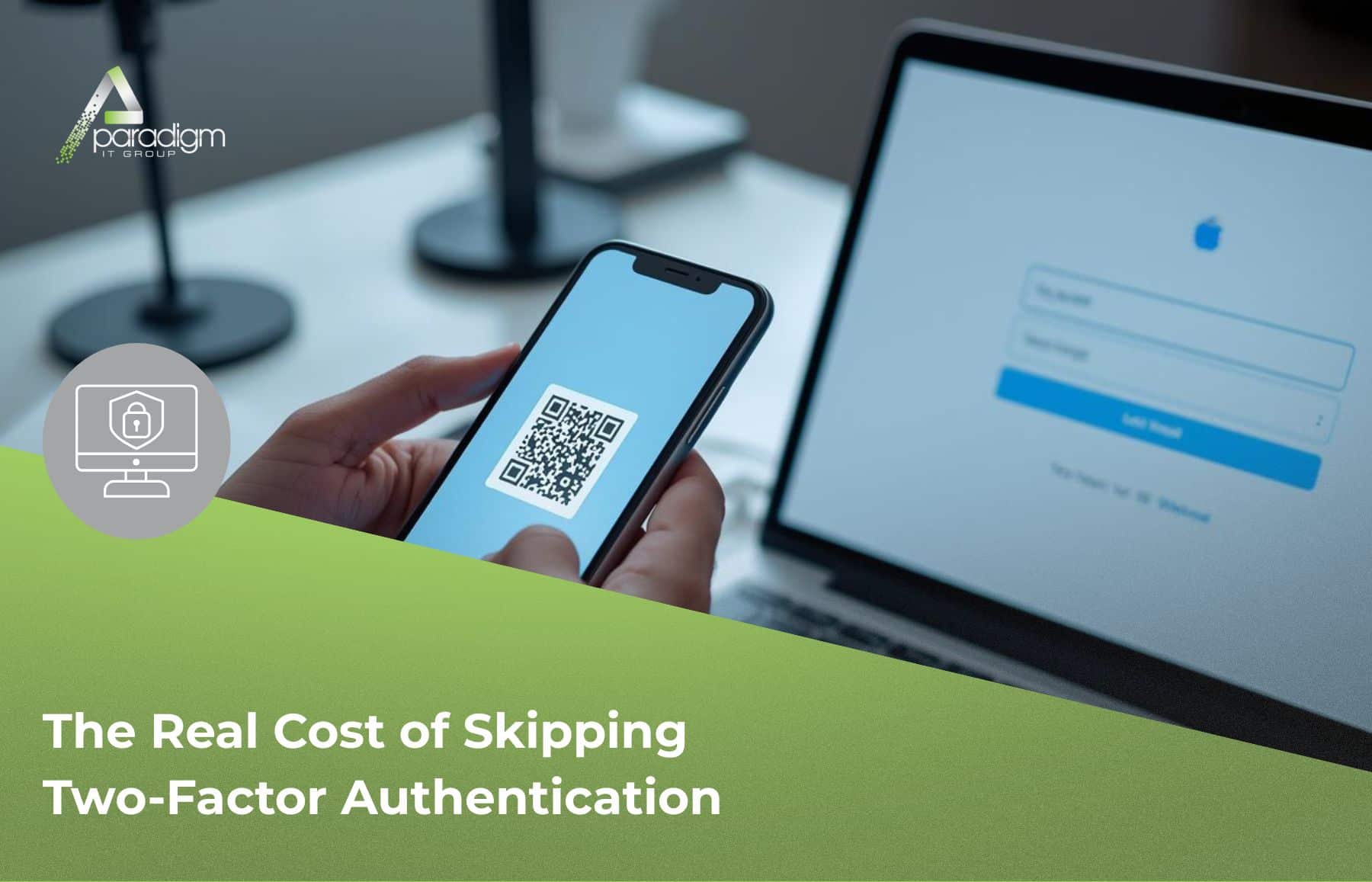
Two-factor authentication is one of the most common friction points we hear about from business owners — and one of the most important protections we help put in place.
We hear it all the time.
“Do I really have to do that every single time I log in?”
Our team members, Anthony and Melvin, hear this more than almost anything else. And honestly? We don’t blame anyone for asking. Two-factor authentication — the step where your phone gets a code before you can log in — adds friction. When you’re trying to get into your email at 7:45 a.m. before a full day of meetings, one more prompt feels like one more obstacle between you and actually getting work done.
So let’s talk about it honestly. Not to lecture, not to scare you. Just to make sure you have the full picture. Because this is one of those situations where the inconvenience and the risk are genuinely not on the same level — and we’d rather you hear that from us over coffee than find it out the hard way.
What’s Actually Happening Out There
Here’s the thing most business owners don’t realize: credential theft — someone getting hold of your username and password — isn’t usually the result of someone targeting you. It’s the result of your login ending up in the wrong database, and automation doing the rest.
According to Check Point’s Cyberint research team, leaked credentials surged 160% in 2025 compared to the previous year. That’s not a gradual trend — that’s a flood. And Verizon’s 2025 Data Breach Investigations Report, which analyzed over 22,000 security incidents, confirmed that stolen credentials were the single most common entry point for attackers, involved in 22% of all breaches.
When your login ends up in one of those databases — sometimes through a breach at a completely unrelated website where you reused a password — automated tools start testing it everywhere. Your Microsoft 365. Your email. Your accounting software. They’re not after you specifically. They’re just running the list, and if your door opens, they walk in.
This is exactly the door that two-factor authentication closes.
What Two-Factor Authentication Actually Does (In Plain English)
Two-factor authentication means that even if someone has your password, they can’t get into your account without a second piece — usually a code from your phone or an authenticator app that expires in 30 seconds.
Think about what that means practically. An attacker on the other side of the world has your username and password. They try to log in. Your phone buzzes with a code you didn’t request. They can’t proceed. Your account stays safe. You may not even know it happened.
Microsoft’s own data clearly shows that more than 99.9% of compromised accounts don’t have MFA enabled. The accounts being taken over aren’t failing due to sophisticated attacks. They’re failing because they have no second layer.
That’s not a scare tactic. That’s just what the numbers show.
What It Looks Like When an Account Gets Compromised
We want to be real with you about what actually happens — not to be dramatic about it, but because most people picture a hacker frantically typing in a movie. The reality is quieter, and in some ways more unsettling.
When someone gains access to a business email account, they don’t always announce themselves. They read. They watch. They learn your vendor names, your billing contacts, and how you communicate. Sometimes they sit in an inbox for weeks before doing anything. Then they intercept a payment, redirect an invoice, or send a message to a client that looks like it came from you.
The Verizon 2025 DBIR also found something worth noting: 54% of ransomware victims had their credentials exposed in infostealer logs before the ransomware attack. Meaning credential theft often isn’t the end of the story — it’s how the bigger story starts.
We’ve seen this chain play out. And the version that ends well is always the one where two-factor authentication was on.
We’ll Be Straight With You: 2FA Isn’t Foolproof
We’re not in the business of telling you something is a perfect solution when it isn’t.
There are more sophisticated techniques designed to get around two-factor authentication — things like flooding someone with login approval requests until they accidentally tap “yes” out of frustration, or advanced phishing pages that intercept codes in real time. These are real. They exist.
But — and this matters a lot — those techniques require significant effort and are almost exclusively aimed at high-profile enterprise targets. The attacks that routinely hit small and mid-sized businesses are automated and volume-based. They’re looking for the path of least resistance.
Businesses without two-factor authentication are the path of least resistance.
When an attacker’s automated tools hit an account with 2FA enabled, they move on to the next one. It’s not glamorous protection. But it’s among the most effective protections available for the threat category you’re most likely to face.
A Few Things Worth Checking on Your End
We’re not going to hand you a generic checklist. But if you want to have a real conversation with your IT team — or with us — these are the questions that actually matter:
Is two-factor authentication turned on for your business email? Microsoft 365 and Google Workspace are the highest-value targets. If they don’t have a second factor, that’s where to start.
What accounts touch your money? Accounting software, banking portals, payroll platforms — anything where a compromised login creates a direct financial path deserves the same protection.
Are your team members reusing passwords? One leaked credential can open multiple doors if the same password is used in multiple places. A password manager plus 2FA closes both vulnerabilities at once.
When was the last time someone checked which accounts have 2FA and which don’t? Gaps are common, especially in systems that were set up before 2FA became standard. A quick audit usually surfaces a few surprises.
If you’re not sure where you stand on any of these, that’s not a problem — it’s just information. And it’s exactly the kind of conversation we’re here for.
The Bottom Line
Thirty extra seconds at login. That’s the inconvenience side of the equation.
On the other side: credential theft up 160% in 2025, the most common entry point in breaches worldwide, and a pattern where a compromised email account quietly causes damage for weeks before anyone notices.
We’re not here to tell you what you have to do. That’s not how we operate. At the end of the day, this is your business and your call to make — our job is to make sure you have the real picture so you can make that call clearly.
But when Anthony and Melvin have this conversation with people and walk them through what’s actually happening? The question usually stops being “Do I really need this?” and becomes “Why wasn’t I already doing this?”
If you want help figuring out where your accounts stand or getting two-factor authentication in place across your team without it turning into a headache, we’re here for that conversation. No pressure, no pitch — just an honest look at where you stand.
We’ll be here when you’re ready.
P.S. If you missed it, check out our last post: You Shouldn’t Have to Submit a Ticket Just to Get Help — why we answer first and handle the paperwork for you.
— Your Paradigm IT Team