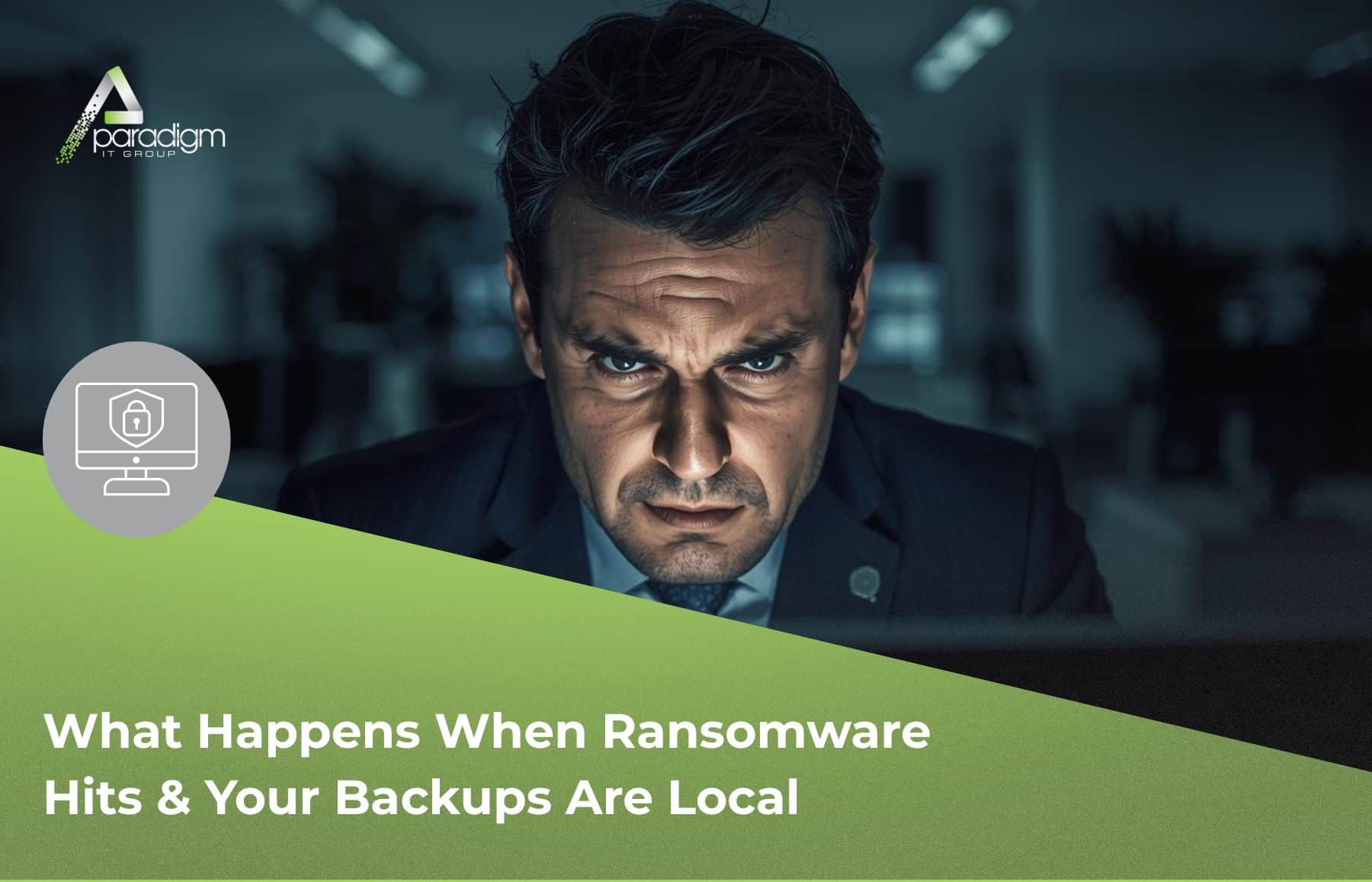
When ransomware hits, and your backups fail, ransomware backup recovery becomes the only thing standing between your business and total data loss.
It was a Monday morning when the owner of a Central Florida business realized something was very, very wrong.
Every file on their network was locked. Thirty years of business data—customer records, financial history, everything they’d built—was being held hostage by ransomware attackers demanding payment for a decryption key.
Their IT setup had backups. The problem? Those backups were stored locally, on the same network the attackers had just encrypted.
This is the story of what happened next—and what every business owner needs to understand about backup strategy before they find themselves in the same situation.
The Call That Changed Everything
The business owner reached out through a referral—someone who knew our team and thought we could help. When our owner Angie answered that call, the panic in their voice was unmistakable.
“If I don’t get this fixed by the end of the week,” they said, “we’re out of business.”
Here’s what made this situation unique: they weren’t even our client. No contract. No service agreement. No guarantee of payment. Just a business in crisis and a referral from someone who trusted us to help.
Our senior technician, Anthony, was deployed within 20 minutes. The company happened to be just 10 minutes away, and he showed up at the front desk—no prior introduction, no scheduled appointment—and simply said: “Hey, I heard you got hit with ransomware. Want me to take a look?”
What He Found: The Local Backup Trap
The situation was exactly what we see too often. The business had done the right thing—they’d set up backups. But their backup system was connected to the same network as everything else, which meant when the ransomware spread, it encrypted the backups too.
This is what we call the “local backup trap,” and it catches more businesses than you’d think. Having backups is only half the equation. Where those backups live—and whether they’re isolated from your primary network—is what determines whether they’ll actually save you when disaster strikes.
According to recent industry research, nearly 90% of ransomware attacks now specifically target backup systems. Attackers know that if they can lock both your live data and your backups, you have no choice but to consider paying. The 3-2-1 backup rule has evolved for this exact reason—you need at least one backup that’s completely isolated or immutable, meaning it cannot be altered or encrypted even if attackers gain access to your network.
The 72-Hour Recovery
Working through Monday, Tuesday, and into Wednesday, Anthony was able to pull the company’s main database before the encryption was complete. That database—30 years of business history—was sent to the client’s software developer to rebuild their system.
By Wednesday afternoon, the environment was secured, and the business was operational again.
No ransom paid. No permanent data loss. Just a very close call that could have ended a three-decade-old company.
What This Means for Your Business
Here’s the reality that every business owner needs to understand: you can’t 100% prevent a ransomware attack. Attackers are sophisticated, patient, and constantly evolving their tactics. What you can control is whether an attack becomes a temporary inconvenience or a business-ending catastrophe.
The difference comes down to three things:
- Off-site or cloud-based backups that aren’t accessible from your main network. If an attacker can reach your backups from the same credentials or network paths they used to access your systems, those backups are vulnerable.
- Immutable backup storage that cannot be modified or deleted—even by administrators. This is rapidly becoming the gold standard for ransomware protection.
- Regular backup testing to verify your backups actually work. Too many businesses discover during a crisis that their backups are incomplete, corrupted, or haven’t been running properly for months.
The Questions to Ask Your IT Team Today
Whether you manage IT internally or work with a provider, these are the questions that matter:
- Where are our backups physically stored? Are they on-site, off-site, or both?
- Could an attacker who compromises our network also access our backups?
- Are our backups immutable? Can they be deleted or encrypted by anyone—including administrators?
- When was the last time we actually tested restoring from backup?
- How quickly could we recover if we lost everything today?
At the end of the day, this is your business and your call to make. Our role is to help you understand the risks and options so you can make informed decisions about what makes sense for your environment.
The Takeaway
That Central Florida business is still operating today because the right help showed up at the right time—and because enough of their data was recoverable to rebuild. But it was close. Much closer than any business owner should have to experience.
Ransomware attacks in 2026 are more sophisticated than ever. AI-powered phishing, faster encryption, and targeted attacks on backup systems mean the old approaches simply aren’t enough anymore. The businesses that survive these incidents are the ones who planned for failure—who assumed an attack would eventually happen and built their backup strategy accordingly.
If you’re not sure whether your current backup strategy would protect you in a real ransomware scenario, that’s worth finding out now—not when you’re staring at a ransom demand.
We’d be happy to take a look and give you an honest assessment. No pressure, no pitch—just a conversation about where you stand.
We’ll be here when you’re ready.
— Your Paradigm IT Team